 ferla
ferla
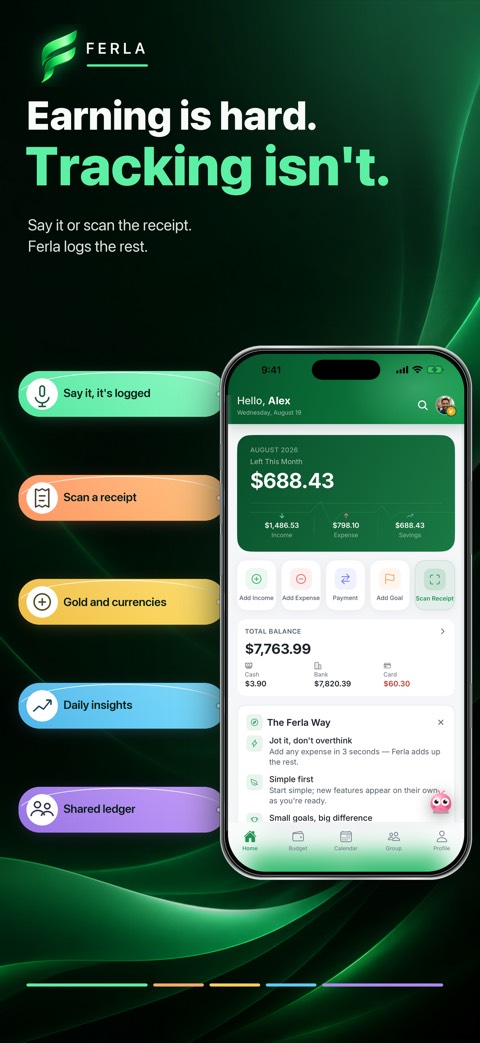
Which records appear on the map?
Only expenses with saved locations appear. Location permission is optional, and an entry without a location can still belong in your normal budget. Fewer map points do not necessarily mean you spent less.
Revisit travel and everyday purchases
Review your own records of places where you ate or shopped during a trip. Open the expense list and the underlying entry to check its amount and category. Use the map alongside monthly reports when investigating a change in spending.
Keep your budget without location data
You do not need a map to track income and expenses. Continue recording by voice, text or receipt scan if you do not want to attach locations. The map does not automatically discover your bank or card transactions.