 ferla
ferla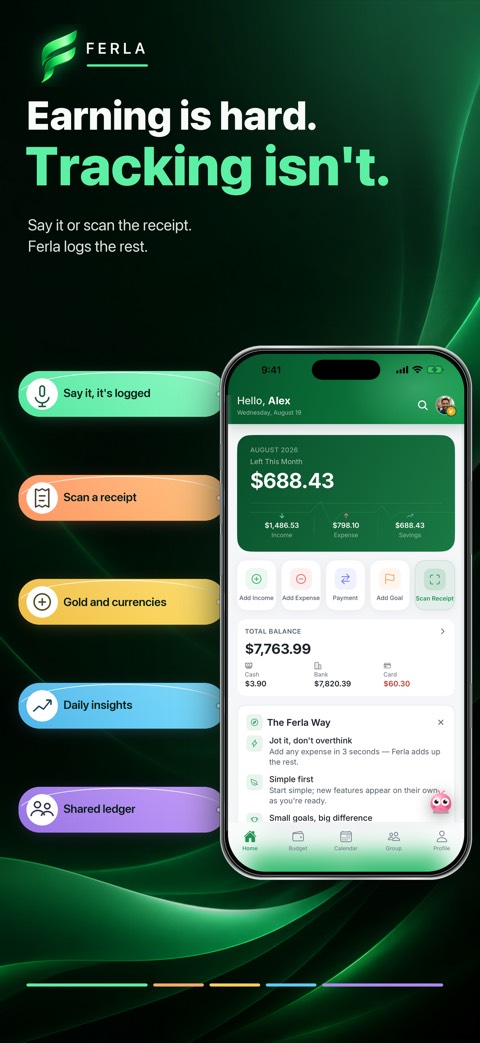
Make a quick entry, then check it
Try a short phrase such as “forty dollars on groceries.” The assistant suggests an amount, category, and account. Text works too if speaking is inconvenient. Check each field and correct anything it misunderstood before you confirm.
A receipt scan can fill in the amount, date, and merchant. It is a shortcut, not a requirement: faded or folded receipts may be hard to read, and you can enter the information yourself.
- Speak, type, or scan a receipt.
- Review the amount, date, category, and account.
- Confirm the entry; it is not saved before you do.
Use the record to understand a month
Once entries accumulate, you can see monthly income and spending, a category breakdown, and trends over time. If dining looks higher than usual, look at the underlying entries before drawing a conclusion. A trip or one unusual bill may explain the change.
You can also set a monthly category limit. Think of it as a prompt to check in, rather than a rule that blocks payments. Adjust the limit after you learn what a typical month actually looks like.
Know what the ledger can and cannot see
Ferla does not connect to a bank, request card details, or move money. Your view is only as complete as the entries you make. A cash purchase you forget to add will not appear automatically. A short weekly review helps catch missing or duplicate entries.
The charts and assistant observations describe your own recorded data. Check the original entries before relying on an important figure.
A few useful answers
Do I need to link a bank?
No. You enter the transactions you want to track; Ferla does not connect to your bank account.
What if the assistant gets an amount wrong?
Edit the suggested entry and confirm it only when the details are right.